DigiFast Bootcamp 2 by Amrita
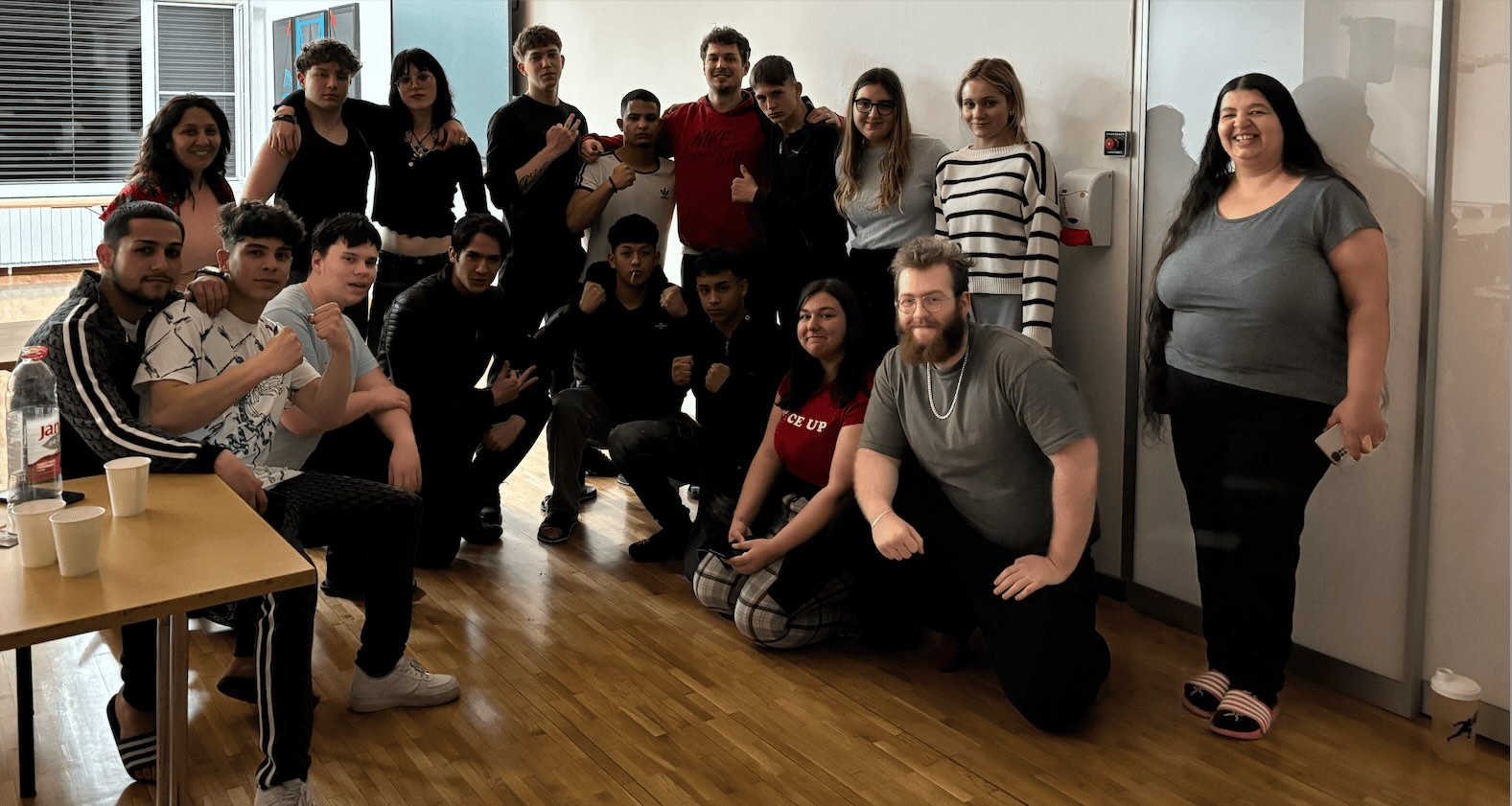
The DigiFast Spring Bootcamp was held in Hungary from April 4 to April 11, 2025, with a group of highly motivated young participants. The aim of the bootcamp was to strengthen essential digital competences through practical, hands-on activities, while also ensuring a positive and engaging learning environment. Alongside the digital training sessions, participants took part in community-building discussions and creative tasks that supported their confidence and digital awareness.
Program and Activities
The training sessions covered the following topics:
- Microsoft Word: Basics and document creation
- Microsoft Excel: Basics and use of formulas
- Canva: Basics of image editing, followed by an individual task
- CapCut (mobile): Basics of video editing
- Google Forms: Basics of creating surveys
- ChatGPT: Asking effective questions, translation, and proofreading
- Internet Security: Protecting personal data and preventing online fraud
Day 1: Microsoft Word
On the first day, participants learned the essential tools of Microsoft Word, including formatting, layout settings, column use, and image insertion. Their main task was to create a written reflection about their camp experience, formatted into columns and using all required Word functions. The “learning by doing” method allowed them to apply the tools immediately, resulting in creative and well-structured documents.
Day 2: Microsoft Excel
The second day focused on Excel. Participants learned how to use key formulas such as addition, subtraction, multiplication, division, and averages. Their task was to create a class gradebook by listing names vertically, subjects horizontally, and calculating results using formulas. Despite initial difficulty, participants produced clean, colourful, and accurate spreadsheets by the end of the session.
Day 3: Canva – Basics of Image Editing
Participants were introduced to Canva and its design tools. After learning the basics of layout, image editing, fonts, and templates, each participant created an invitation for the camp’s closing event. The individual tasks reflected strong creativity and engagement, and many designs were shared on the Amrita website.
Day 4: CapCut – Basics of Mobile Video Editing
The fourth day focused on CapCut. Participants learned how to download the app, register, import media, and use basic editing functions such as transitions, effects, and music. Each participant created a short video summarizing their camp experiences. The videos were shared with the group the following morning, allowing for reflection and feedback.
Day 5: Google Forms – Creating Surveys
Participants learned the basics of Google Forms, including question types, settings, and automatic chart generation. Each participant created a survey for a future event - collecting information such as accommodation needs, travel reimbursement, and dietary restrictions - and then completed each other’s forms. Reviewing the generated diagrams helped participants understand how data analysis works in practice.
Day 6: ChatGPT – Effective Use of AI Tools
Training continued with ChatGPT, where participants learned how to ask clear questions, give precise instructions, and use AI tools responsibly. They also practiced translation, text correction, and generating ideas for creative projects. This session helped them understand how AI can support daily tasks, learning, and problem solving.
Day 7: Internet Safety – Protecting Personal Data
Led by Miklós, the final training day focused on digital safety. Participants learned about strong passwords, two-factor authentication, avoiding phishing attempts, recognizing suspicious links, and managing privacy settings on social media. Through examples and discussions, they explored how to protect personal information and navigate online spaces safely.
Conclusion and Evaluation
Participants engaged actively throughout the week, producing daily digital products - including videos, designs, and documents - that were reviewed and discussed each morning. This continuous evaluation helped ensure steady progress.
At the end of the bootcamp, participants who demonstrated the greatest improvement received certificates and a small reward.